Onboard AI · The AI does the watching
Everything is processed on board; only the results and the video go over the link.
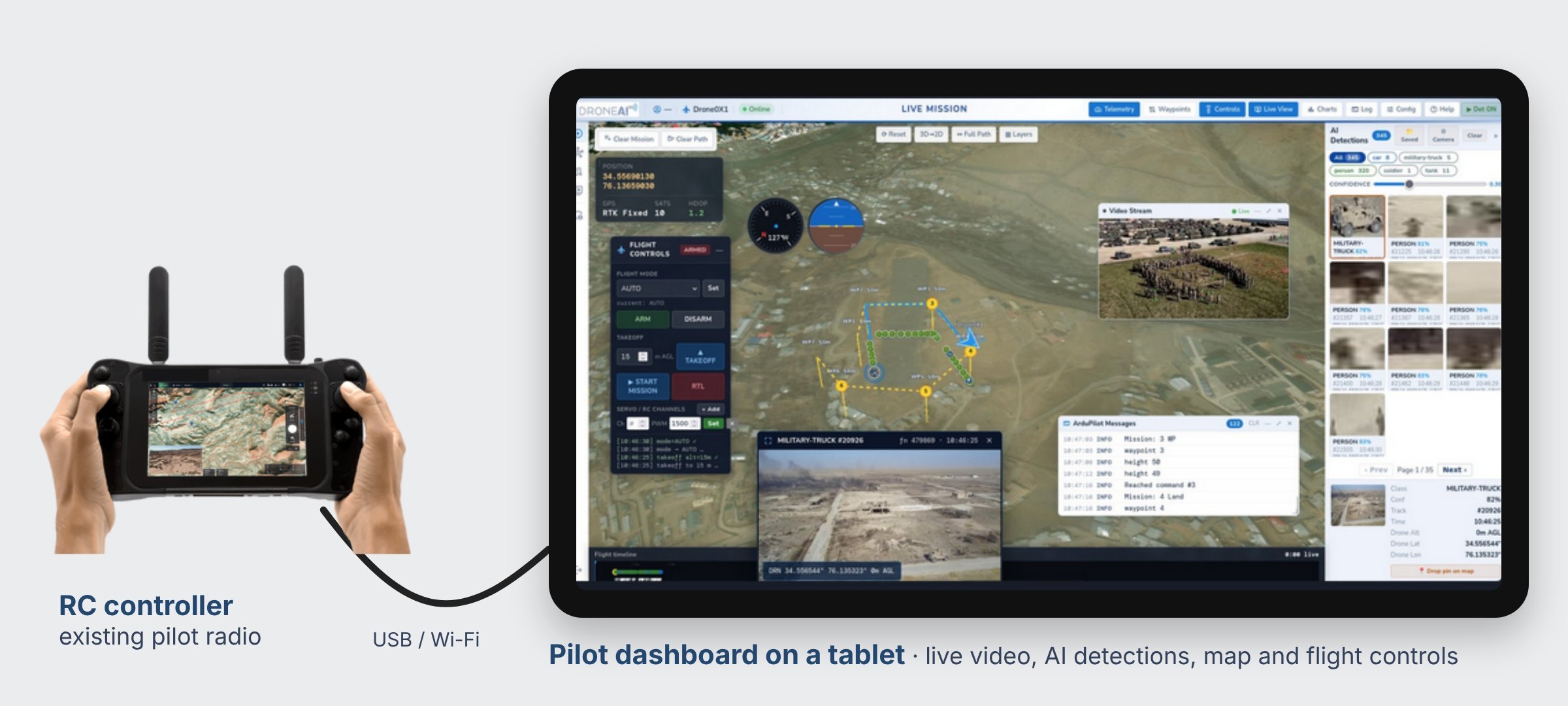
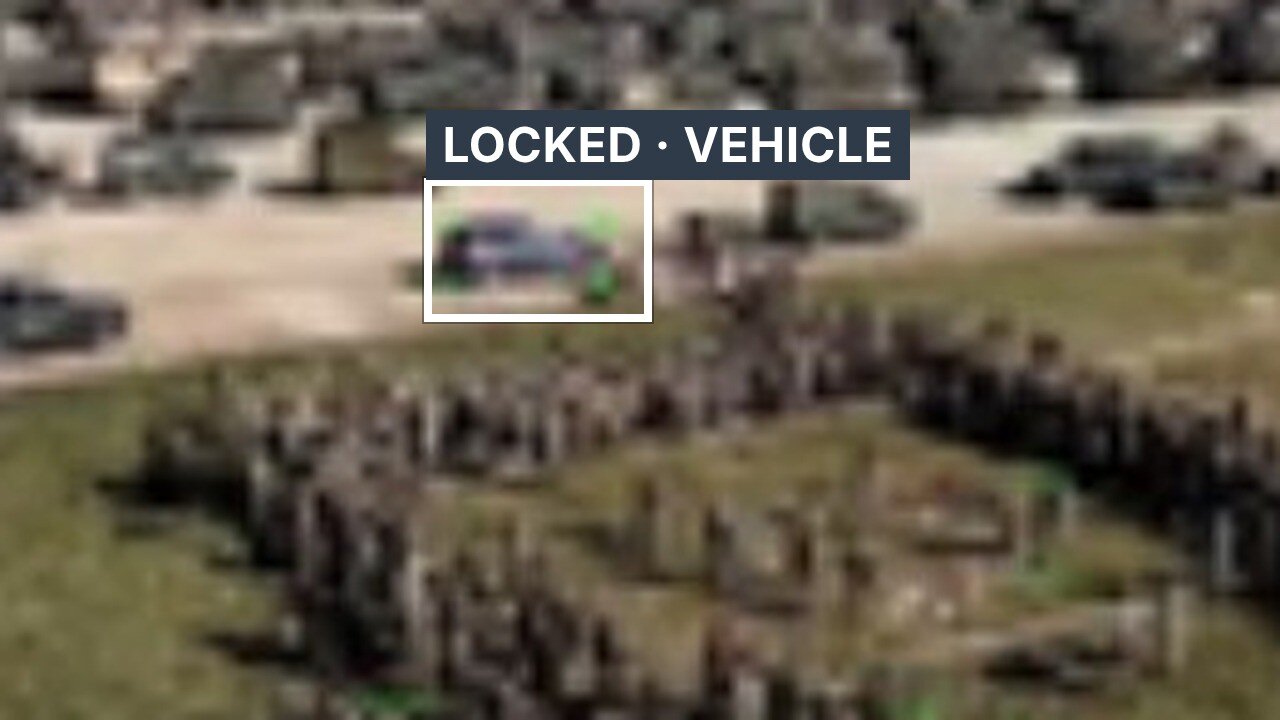
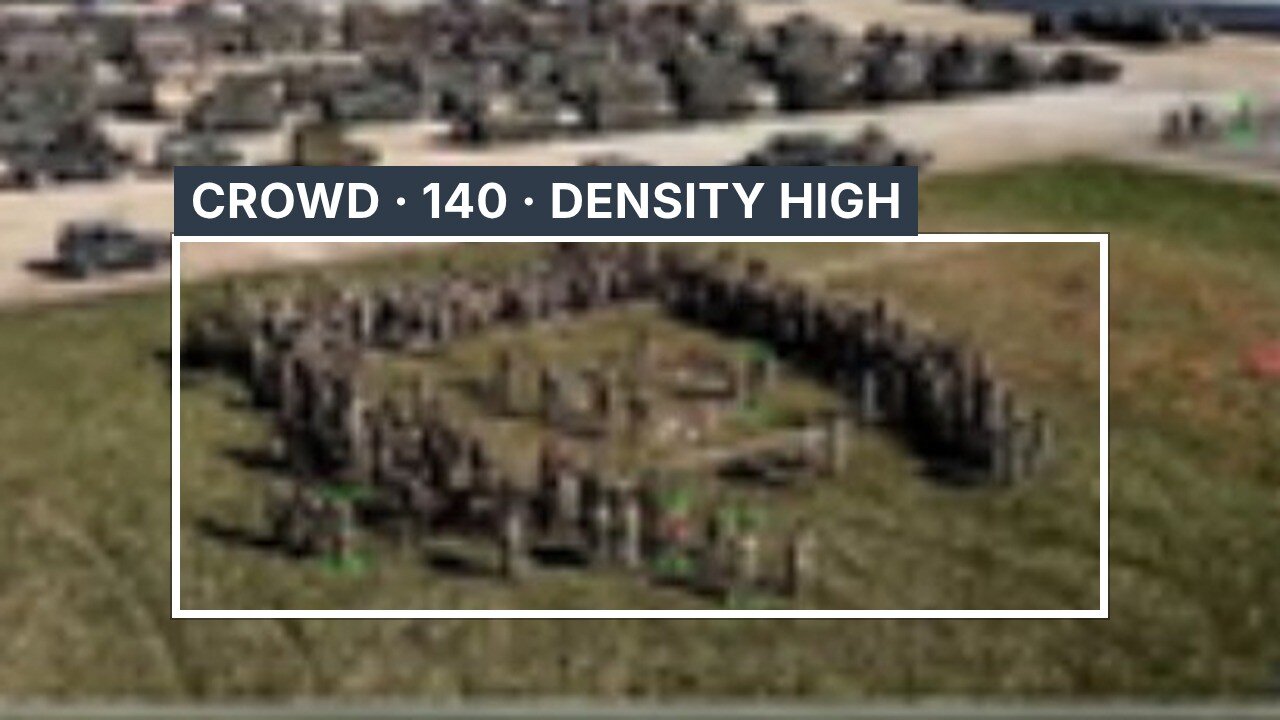
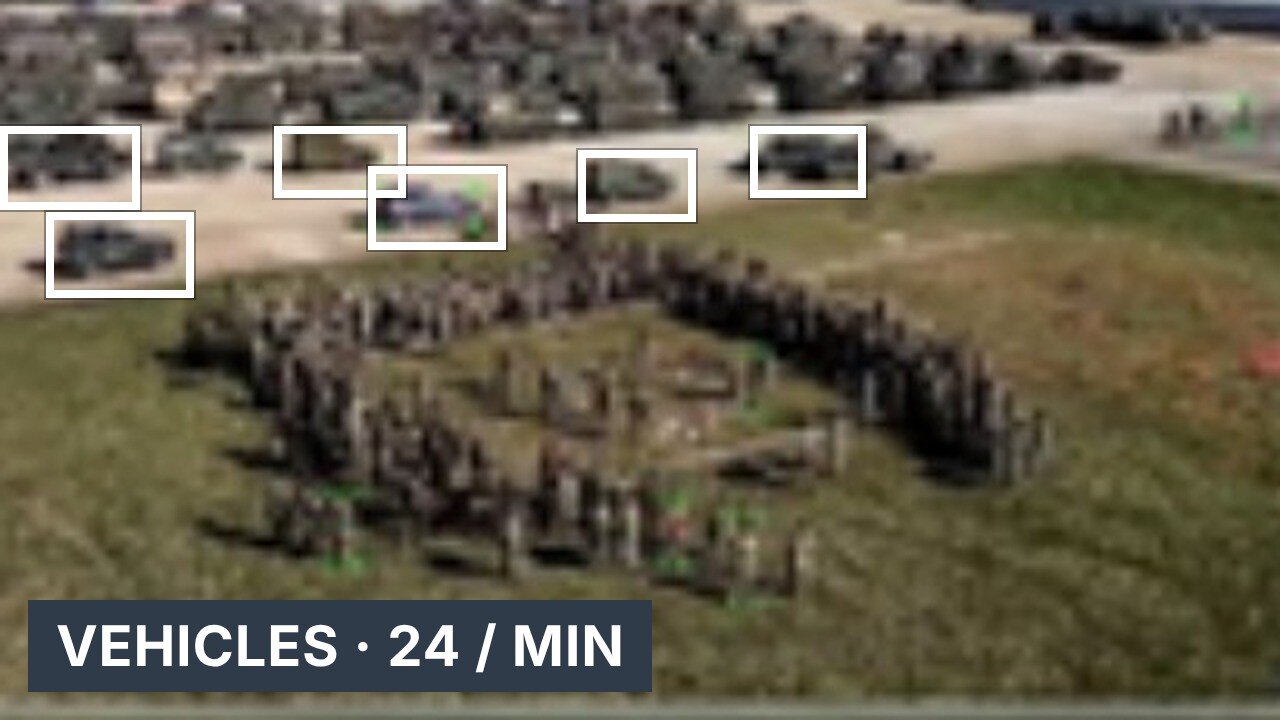
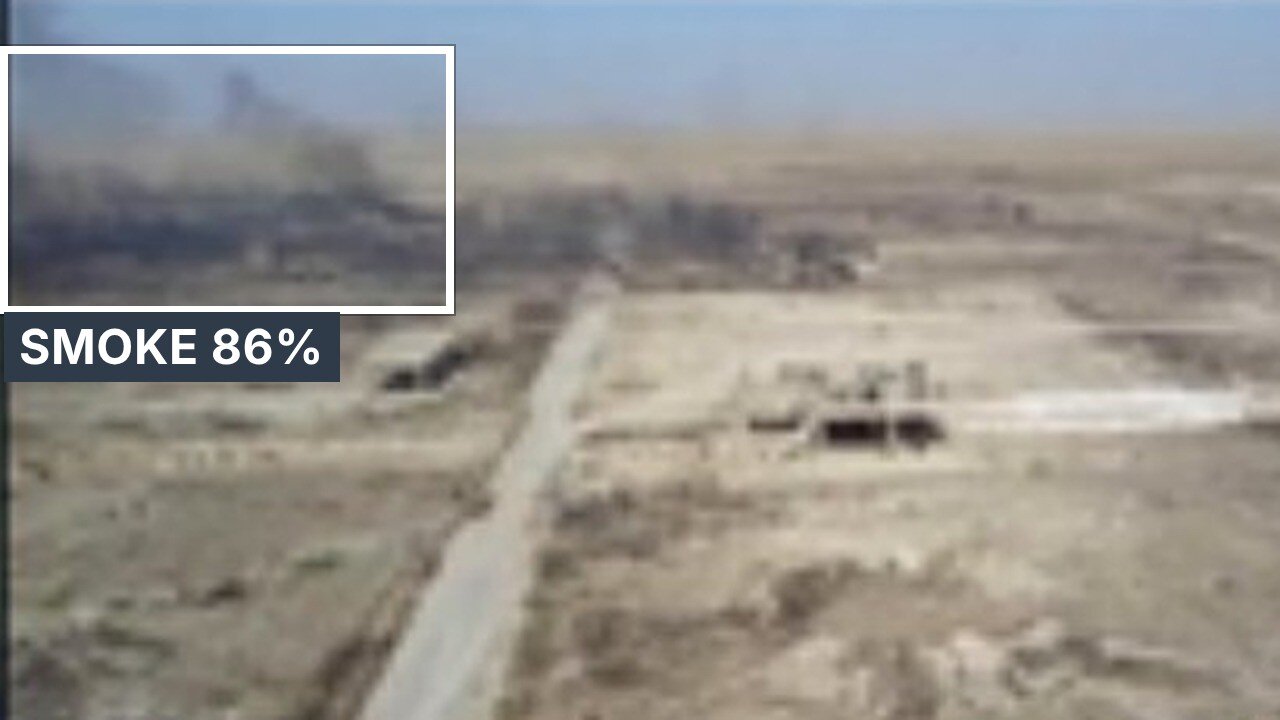
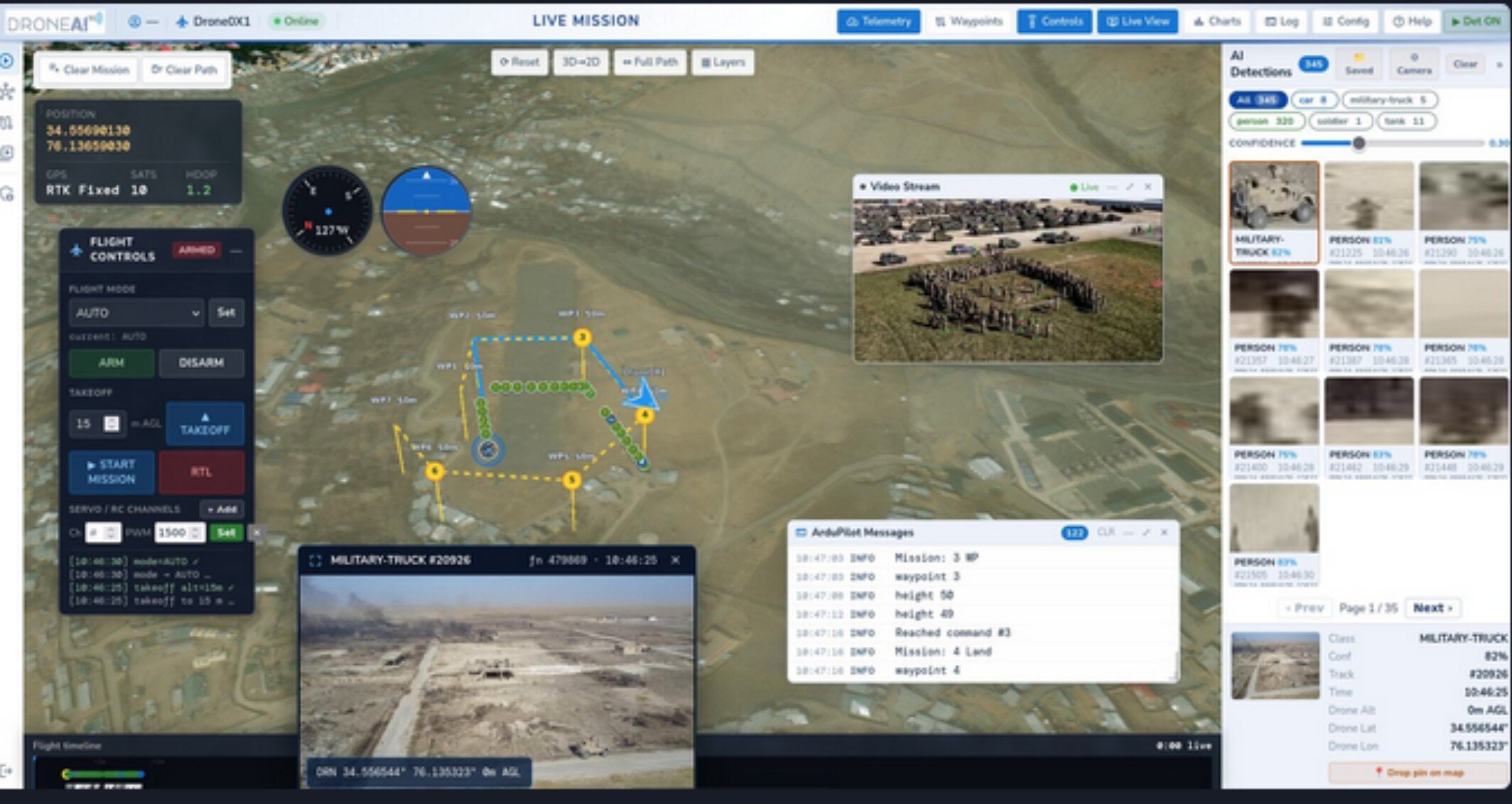
The pilot sees it too: the pilot dashboard runs on a tablet connected to the RC controller, with live video, AI detections, the map and flight controls. The commander sees the same on C2 over 5G.
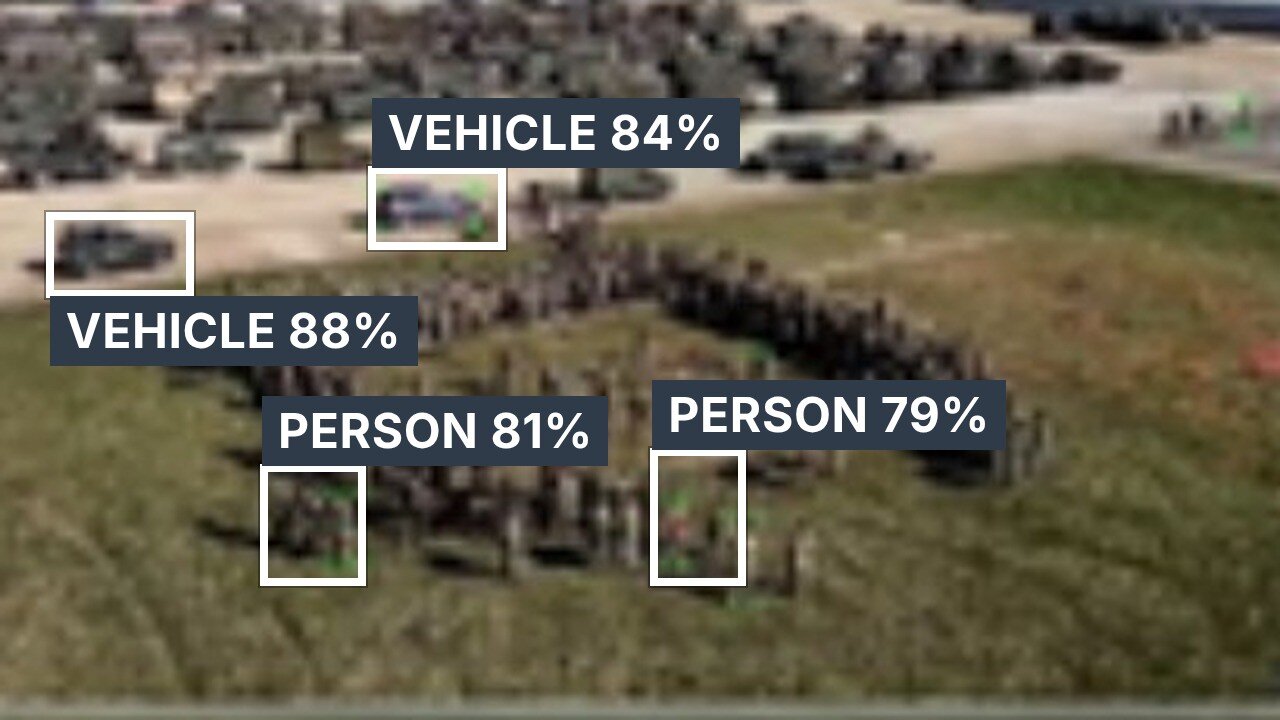
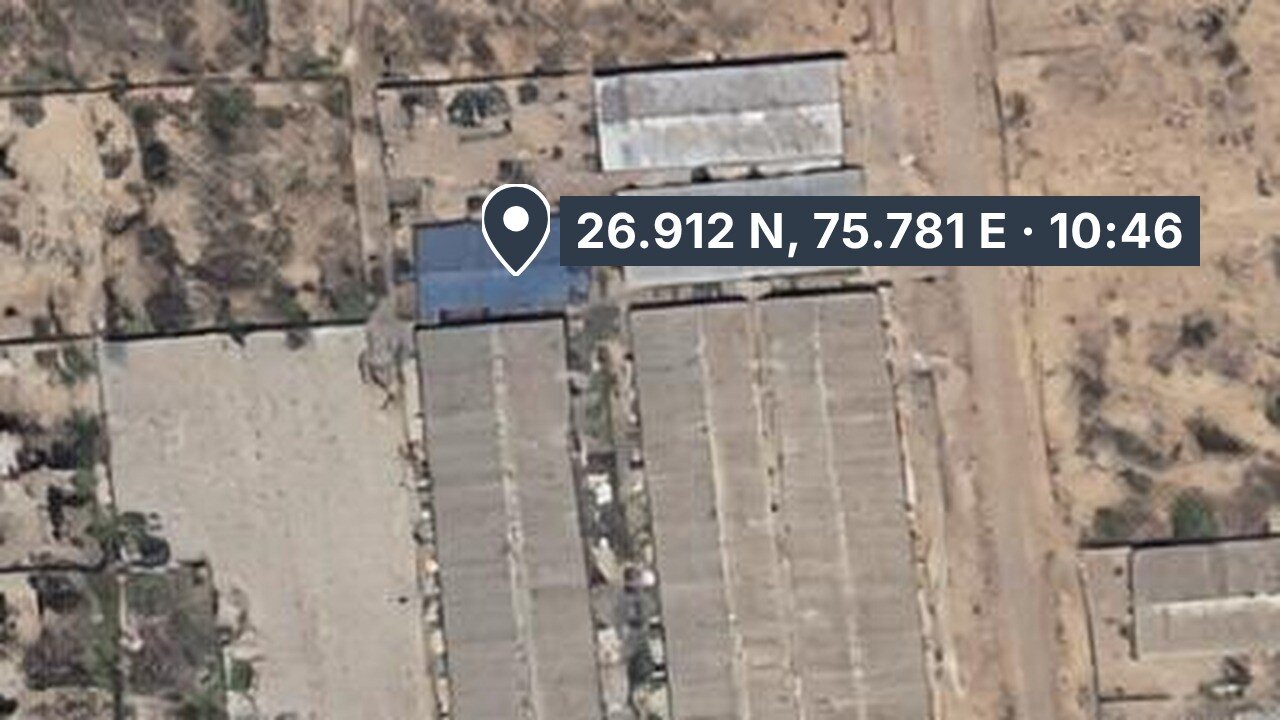
Detection, recognition and identification run on the drone itself. Only the result has to travel: class, confidence, time and location, with video when the link allows.
| 1 · Capture | EO and thermal video from the camera already on the drone. |
| 2 · Detect | Every frame, tiled so that small, distant targets are found. |
| 3 · Recognise | Class and confidence for each target, tracked across frames. |
| 4 · Geo-tag | Position from drone GPS, altitude and camera angle. |
| 5 · Alert | To the pilot tablet and DroneAI C2 in seconds. |
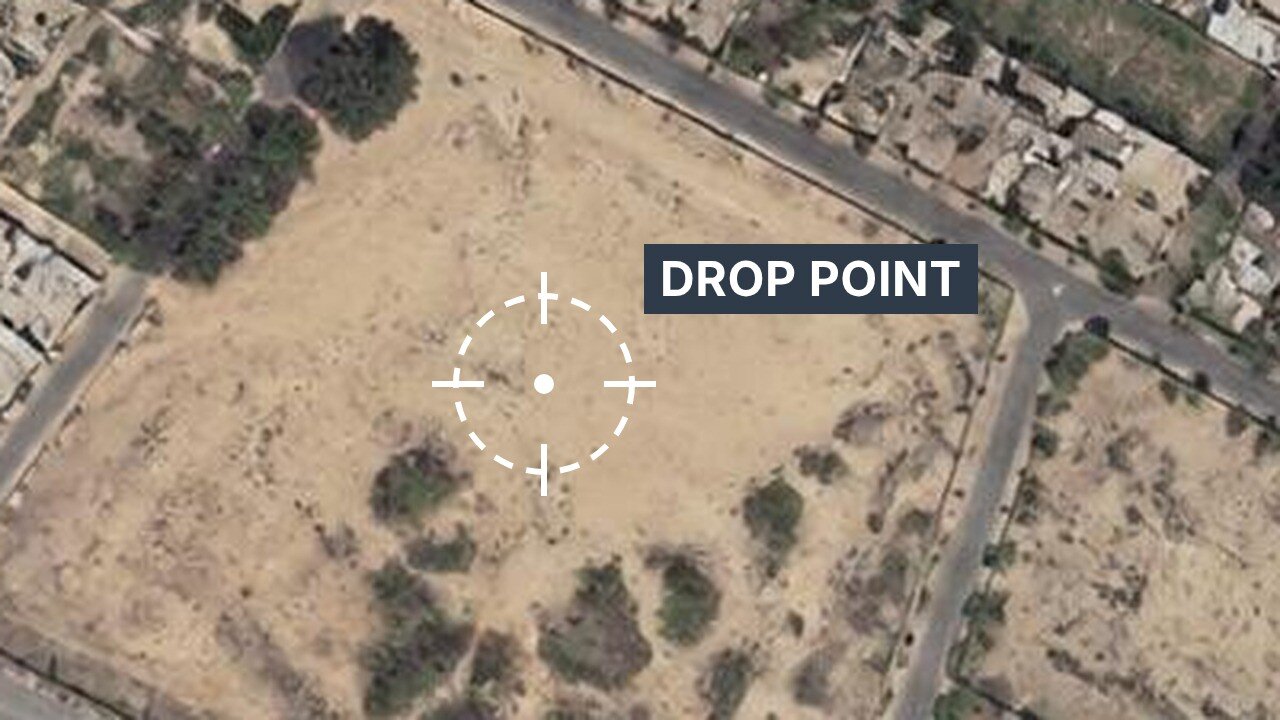
Persons and vehicles only a few pixels wide, found by tiled inference.
Runs on EO and thermal (IR) cameras.
Detection continues on board; results are sent when the link returns.
When video cannot pass, detections still go through as small data packets.
Each target keeps an ID, so the drone can lock on and follow.
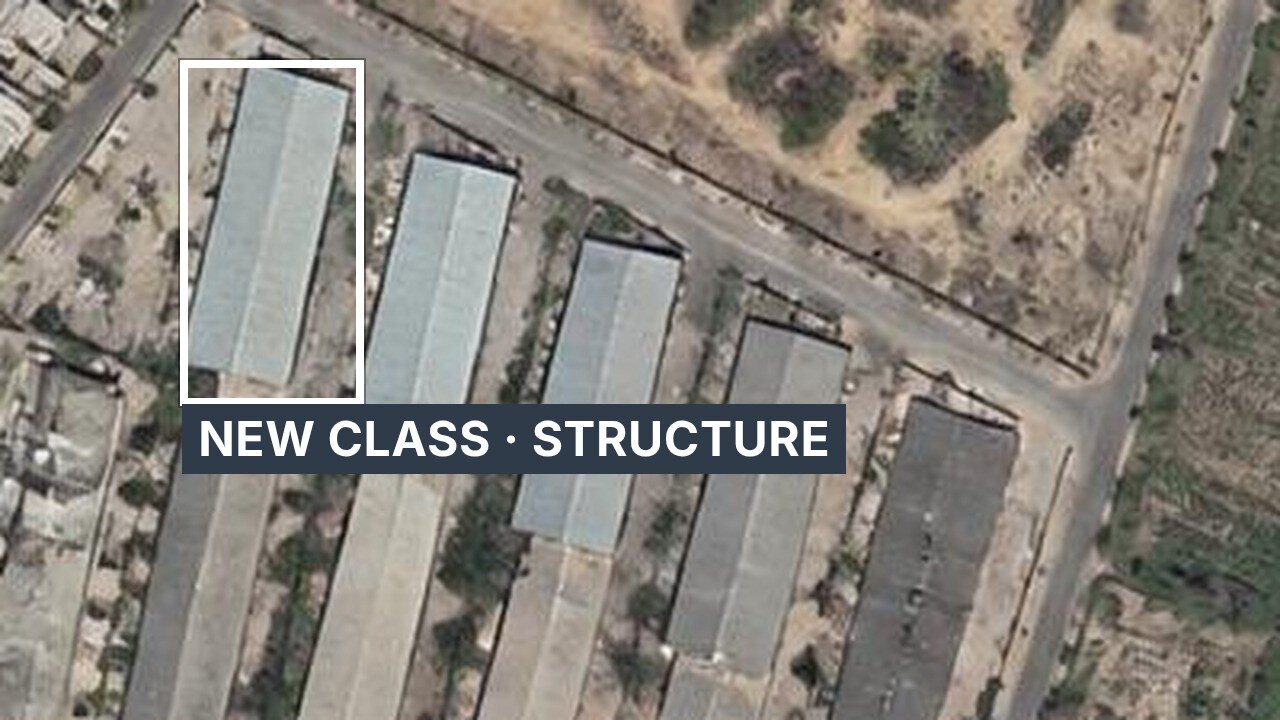
New classes are added with DroneAI Studio.
Why DroneAI
The kit mounts beside the autopilot on one cable. Nothing is removed and nothing is retrained: the pilot keeps the radio, and the commander gets AI alerts and live video over 5G.
How we start
Start small on your own drones, prove it in your sector, then roll it out.
We fly a DroneAI-equipped drone over 5G with live video, AI detections and C2 on screen.
The kit goes on drones you already operate — telemetry, Ethernet, 5 V power and a SIM.
DroneAI Studio adds the classes your sector needs, from your own footage, on your servers.
Pilot, commander and headquarters on one C2 picture, with replay and reports for every sortie.
Proven in the field
Edge AI detection of persons and vehicles with geo-tagged alerts to the command post; every sortie saved and searchable.
Drones and dumper trucks on one private 5G network and one dashboard — aerial video, LiDAR and truck telemetry together.
Live 5G flights and AI demos for forces, telecom operators and industry. See the events
Questions buyers ask
No. Detection runs on the drone. If the link drops it keeps working and sends results when the link returns; when video cannot pass, detections still go through as small data packets.
Yes — every frame is tiled so that persons and vehicles only a few pixels wide are found.
Yes, on EO and thermal (IR) cameras.
Yes. With DroneAI Studio your team marks a new target once, the model is retrained on your GPU server and pushed to every drone, with rollback.
The pilot dashboard runs on a tablet on the RC controller with live video, AI boxes, the map and flight controls. The commander sees the same on C2.
With a 5G flight demo, then a field trial on your own drones. Use the contact page or call +91 98866 91115.
Tell us about your platform and mission — we'll show you the fastest path from prototype to deployment.